

TL;DR: SEO sends more people to your website. It doesn’t make those people enquire. If your page is unclear, hard to trust, or hard to act on, paying for more traffic just sends more people down a leaky path. This is a plain-English checklist of the seven places enquiries leak out before SEO is the right spend, with a 20-minute self-check you can run today. Google itself says its ranking systems reward content created to benefit people, not clever tricks (Google Search Central) - so before you buy visibility, make sure the page can do its job.
You’ve been told you need SEO. Maybe you’re already paying for it and the enquiries still aren’t coming. Either way the story usually sounds the same when a small business owner sits down with me: “we get some traffic, but nothing really happens.”
I hear it a lot. And before you sign up for another retainer, I want to offer a calmer way to look at it.
SEO - getting found on Google - is one part of how a stranger turns into an enquiry. It isn’t the whole path. Someone has to find you, land on a page, work out that you’re for them, trust you enough, and then actually do something about it. SEO only handles the first step. If the rest of that path leaks, more visitors just means more people quietly leaving.
So this is a checklist for the bit most people skip: whether your website can convert the attention you already get, before you pay to send it more.
Why can paying for SEO be the wrong first move?
More traffic only helps if the page it lands on does its job. Google is surprisingly blunt about this in its own guidance. Its ranking systems are built to reward content “created to benefit people,” not content made to game rankings (Google Search Central). Even Google is telling you what I am: the foundation is a clear, useful page, not a clever trick.
That matters for your money. If you pay to be found while the page itself confuses people, you’re paying to fill a leaky bucket. The water goes in the top and straight out the bottom, and the monthly invoice never quite explains why the phone isn’t ringing.
None of this is anti-SEO. SEO is useful once the basics are sound. I’m pro-sequence: check the path first, then pay to send more people down it. A quick note before we start - nobody can promise you a number of leads or a position on Google, me included. What you can do is remove the obvious reasons people leave. That’s within your control, and it’s usually free.
Here are the seven leaks I check first.
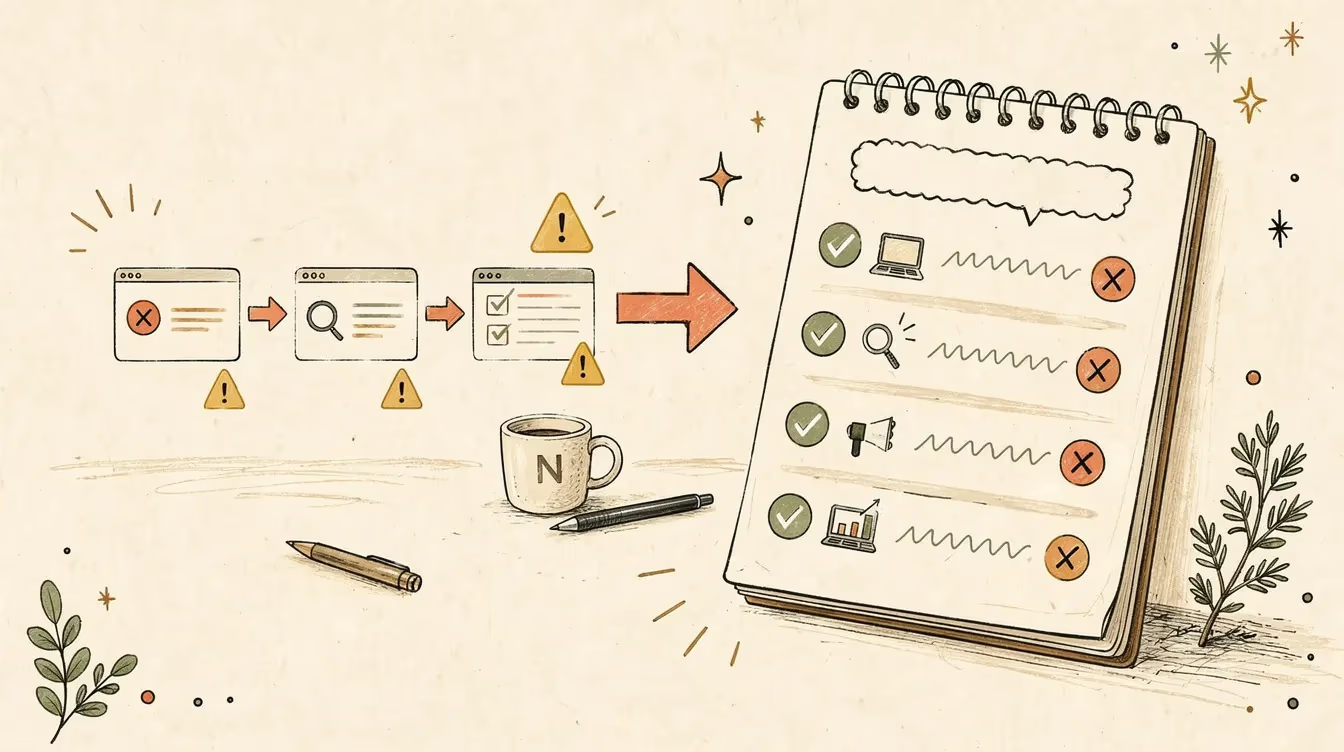
The enquiry path. SEO only handles the first step - the other four are where enquiries leak out.
At a glance, here’s what you’re checking:
| # | The leak | What to check | Free to fix yourself? |
|---|---|---|---|
| 1 | Who it’s for | Does the headline name who you help? | Yes |
| 2 | Vague next step | Is there one obvious, small action? | Yes |
| 3 | Contact mismatch | Does contact match buyer urgency? | Yes |
| 4 | Broken form | Does your own test enquiry arrive? | Usually |
| 5 | Weak trust proof | Real, specific proof near the call to action? | Yes |
| 6 | Mobile friction | Can you enquire one-thumbed on a phone? | Sometimes |
| 7 | No tracking | Are Search Console and GA4 set up? | Setup needed |
Leak 1: does your page say who it’s actually for?
Someone lands on your page. In about five seconds they’re deciding whether you’re for them. If your headline could belong to any business in your industry - “quality service you can trust”, “your local experts” - you’ve made a stranger do the work of placing themselves. Most won’t bother.
The fix is specificity. “Bookkeeping for tradies and sole traders” tells the right person they’re in the right place, and tells the wrong person to move on. That second part feels scary, like you’re turning away business. You’re not. You’re saving a plumber from wondering whether you also do plumbing.
Try this: open your homepage and read only the headline. Does it name who you help and what you do, in words your customer would use? If a friend outside your industry couldn’t tell what you sell, that’s leak one.
Leak 2: is your offer or next step too vague?
This is the most common one I see, and it costs the most.
A page that converts does two small things well. It makes one next step obvious, and it makes that step feel small. “Book a 15-minute call.” “Get a quote.” “Ask one question.” Compare that to a lone “Contact us” floating in the header, which asks a busy person to compose an email from scratch about a thing they haven’t fully decided on yet.
The mistake isn’t usually a missing button. It’s offering five next steps with equal weight - call, email, newsletter, social, contact form - so none of them stands out. Pick the one action you most want, and make it the loudest thing on the page.
You can fix a lot of this yourself in an afternoon. Rename the main button so it says the actual next step. Demote the rest. You don’t need a developer for that.
Leak 3: are your contact options buried or mismatched?
People arrive with different levels of urgency, and your contact options should match. A tradie with a burst pipe wants a phone number they can tap, right now, not a form that promises a reply “within two business days”. Someone researching an accountant for next financial year is happy to fill in a form.
The leak appears when the option doesn’t match the urgency. A phone number hidden in the footer loses the urgent caller. A form-only page with no phone number loses anyone who needs to talk to a human before they commit.
Try this: on your phone, time how long it takes you to find a way to contact yourself from your own homepage. If it’s more than a few seconds, or the only option is a generic form, that’s a leak - especially for urgent work.
The fix is rarely “add more options”. It’s making the right one obvious for the way your customers actually buy.
Leak 4: when did you last test your own form?
Forms break quietly. The notification email starts landing in spam. A required field rejects valid phone numbers. The “submit” button does nothing on one browser. The enquiry goes to an inbox nobody checks. None of this shows up as an error you’d notice - it shows up as silence, which you then blame on “not enough traffic”.
A long form leaks too. Every field you ask for is a small reason to give up. Name, email, and one line about the job is usually enough to start a conversation. You can ask for the rest once they’ve replied.
Try this: fill in your own contact form right now, from your phone, as if you were a customer. Use a real address you can check. Did the enquiry arrive? How long did it take? Was the reply-to address correct? Most owners have never done this, and a surprising number find the email going nowhere.
In my experience this one test recovers more lost enquiries than most owners expect, and it costs nothing.
Leak 5: would a stranger trust you in five seconds?
Trust proof is the quiet decider. A stranger who’s never heard of you is scanning for reasons to believe you’re real and competent. Generic stock photos and “we pride ourselves on quality” don’t do that. Specific proof does: a handful of real reviews with names, a photo of the actual team or the actual work, the suburbs you serve, a licence or membership number where it matters.
The mistake is hiding the proof you already have. Plenty of businesses have a wall of happy clients and a glowing set of Google reviews, none of which appear on the page where the decision happens. If you’ve earned the trust, show it where people are deciding.
You don’t need dozens of testimonials. Three specific, believable ones near your call to action will do more than a generic “trusted by hundreds”.
Leak 6: what does your site look like on a phone?
Most of your visitors are on a phone, and there’s a good chance you mostly look at your site on a desktop. That gap is where mobile leaks hide: text too small to read, buttons too close together to tap, a pop-up that can’t be closed with a thumb, a phone number that isn’t tappable. If your mobile site is also slow to load, that’s a related problem I’ve covered separately in Core Web Vitals for small business.
It matters for being found too, not just for converting. Google indexes the mobile version of your site, a practice it calls mobile-first indexing, and it’s explicit that “only the content shown on the mobile site is used for indexing” (Google Search Central). If your mobile site quietly drops content your desktop site shows, you’re weakening the very visibility you’re about to pay for.
Try this: open your site on your own phone and try to complete an enquiry with one thumb, standing up, in a hurry. Whatever annoys you is annoying every mobile visitor you’ve got.
Leak 7: can you even see what’s happening?
Here’s the leak under all the others: most small businesses can’t actually see where they’re losing people, so every decision is a guess.
Two free tools change that, and neither works until it’s set up. Google Search Console shows what people searched before they reached you - its Performance report gives you clicks, impressions, click-through rate, and average position (Google Search Console Help). That tells you whether you have a visibility problem or an enquiry problem.
Google Analytics 4 (GA4) can show you whether visitors actually do anything, but only if you tell it what counts. Form submissions and enquiries aren’t tracked automatically. You have to configure a key event - GA4 calls the lead one generate_lead - and Google notes these events “require additional context to be meaningful, they’re not sent automatically” (Google Analytics Help). Until that’s set up, your analytics can show a thousand visitors and tell you nothing about how many tried to contact you.
If you can’t see the enquiry path, you can’t tell whether SEO is the problem worth paying to fix. That’s the honest reason tracking comes first.
How do you check all seven in 20 minutes?
You don’t need a developer or an audit tool to find most of this. Set a timer and, on your phone, work through these:
- Read your headline. Does it name who you help and what you do? (Leak 1)
- Find the single most obvious next step. Is there one, and is it small? (Leak 2)
- Time how long it takes to find a way to contact you. (Leak 3)
- Submit your own contact form and check the enquiry actually arrives. (Leak 4)
- Look for real, specific trust proof near the call to action. (Leak 5)
- Try to complete an enquiry one-thumbed on your phone. (Leak 6)
- Open Search Console and GA4. Are they set up, and is a lead event being recorded? (Leak 7)
Most owners find two or three leaks in twenty minutes. The first few are usually free to fix and don’t need anyone’s help. That’s the point: you can recover lost enquiries this week without spending on traffic at all.
When is SEO actually worth paying for?
Once the path holds water, SEO earns its keep. If your page is clear, your form works, your trust proof is visible, and your tracking shows people are reaching you but you simply need more of them - that’s exactly when paying to be found makes sense. At that point more visibility turns into more enquiries instead of more silence.
The sequence is the whole point. Fix the leaks first because they’re free and fast. Then look at SEO, or paid ads, or whatever channel suits you, knowing the traffic you buy has somewhere worthwhile to land. If you want to go deeper on the foundations, my SEO and analytics work is about exactly this - making sure search and the measurement underneath it are sound before anything gets scaled. If the leaks are really about the site itself, that’s web design territory.
Free orientation vs paid diagnosis
This article can help you spot the shape of the problem. It isn’t a full diagnosis of your website, analytics, forms, search visibility or enquiry path.
A Digital Health Check is different. I look at the actual evidence - the page, the tracking, the form, the way enquiries are handled - and tell you what matters, what can wait, and what you can genuinely do yourself.
If you want a second set of eyes on what’s actually broken and what can wait, book a Digital Health Check. It’s the smallest sensible next step before paying to send more people at the problem.
Tools & Resources
Everything you need to run the checks above is free.
Free tools
- Google Search Console - shows what people searched before reaching you (clicks, impressions, position). Tells you whether you have a visibility problem or an enquiry problem.
- Google Analytics 4 - shows what visitors do once they arrive, but only after you set up a
generate_leadkey event for form submissions and enquiries. - Google’s Mobile-Friendly check via PageSpeed Insights - run your homepage and read the mobile result first. The mobile experience is the one Google indexes.
Sample prompts
- Test your headline clarity - paste your homepage headline into ChatGPT or Claude: “Read this website headline as someone who has never heard of this business. In one sentence, what does this business do and who is it for? If you can’t tell, say so.” A vague answer is leak one.
- Pressure-test your next step - paste your homepage text and ask: “What is the single most obvious next step on this page? Is it clear and low-effort, or are there several competing options?”
A 5-minute monthly check
- Submit your own contact form from your phone and confirm the enquiry arrives.
- Open Search Console: are impressions and clicks trending up, flat, or down?
- Open GA4: is your lead event still recording? (It breaks more often than you’d think.)
The two articles I’d point you to next - a deeper look at why website forms lose enquiries, and a guide on when not to pay for SEO yet - aren’t published here yet. When they are, I’ll link them from this page.
Nathan Schram is a digital consultant in Melbourne. Through Nathan Schram Digital he helps small Australian organisations work out what’s worth fixing online and what can wait - built for results, not reports.