

Start here
Outcome: a properly made appeal, with the problem fixed and the right evidence attached. Time: about an hour to find the reason, fix it and gather documents (my estimate), then waiting on Google. Cost: $0.
Do first: open Google’s appeals tool while signed in to the Google Account associated with the profile, and read the reason it gives. Leave for later: making a new profile (don’t) and paying anyone (maybe never).
Done when: your appeal is in, with evidence attached, and you’ve stopped touching the profile.
The phone goes quiet first. Then someone mentions they couldn’t find you on Google Maps, and you search your own business name and get nothing, or a competitor. Somewhere in your inbox, or in the Google Account you set the profile up with, there’s a notice saying the profile has been suspended. It usually doesn’t say much more than that.
It’s a horrible feeling when Google is where most of your calls come from. And the first things people do in a panic (make a new profile, change the name back and forth, pay the first service that promises it back fast) tend to make it worse.
So, in the order I’d do it:
Why did Google suspend my Business Profile?
Google can suspend or disable profiles that break its guidelines, and in its own words a profile in that state “won’t show to other users on Google until you resolve the issue”. Most of the breaches I’d look for first are things owners do in good faith, often because someone told them it helps.
- Extra words in the business name. Google’s guidelines say your name “should reflect your business’s real-world name, as used consistently on your storefront, website, stationery, and as known to customers”, and that “Including unnecessary information in your business name isn’t permitted, and could result in the suspension of your Business Profile.” Smith Plumbing | Emergency Plumber Melbourne 24/7 is the classic.
- An address you don’t operate from. The guidelines say a virtual office “isn’t eligible for a Business Profile”, and PO boxes at remote locations aren’t acceptable.
- A service-area business showing its address. If you go to your customers rather than them coming to you, Google says “you should hide your business address from customers”.
- More than one profile for the same business. The guidelines say “There should only be one profile per business” (for a business with several locations, one per location).
- Lots of edits in a short time. Google’s help-community guide on suspensions lists repeated edits in a short period as something that can trigger one.
I’ve covered suspension as one of six reasons a business doesn’t show up on Google. If you’re not sure yours is actually suspended, start there.
Suspended, disabled or restricted: what’s the difference?
The Google help pages I checked use “suspended” and “disabled” together and don’t spell out a difference between them, so I wouldn’t read much into which word your notice uses. The distinction that matters is whether the profile has been actioned, or your whole Google Account has been restricted.
- The profile is suspended. The public can’t see it, and the owner and managers can’t manage it. Google says the owner and managers can ask for it to be reinstated, through the appeals tool.
- The Google Account is restricted. Google says an account restriction suspends every Business Profile the account manages, and stops you creating or claiming others. In that case you appeal the account first, on your Google Account’s My accounts page, and only once that’s lifted do you appeal the profile.
Try this: before you do anything else, sign in to the Google Account associated with the profile and check whether it’s the profile that’s been actioned, or the account. The fix starts in a different place.
What does Google actually ask for in an appeal?
Evidence, not an argument. Google’s appeals tool shows you the restricted profile, “the reason for the moderation action” and a link to the policy it says you broke. Then it’s up to you to show your business is what the profile says it is.
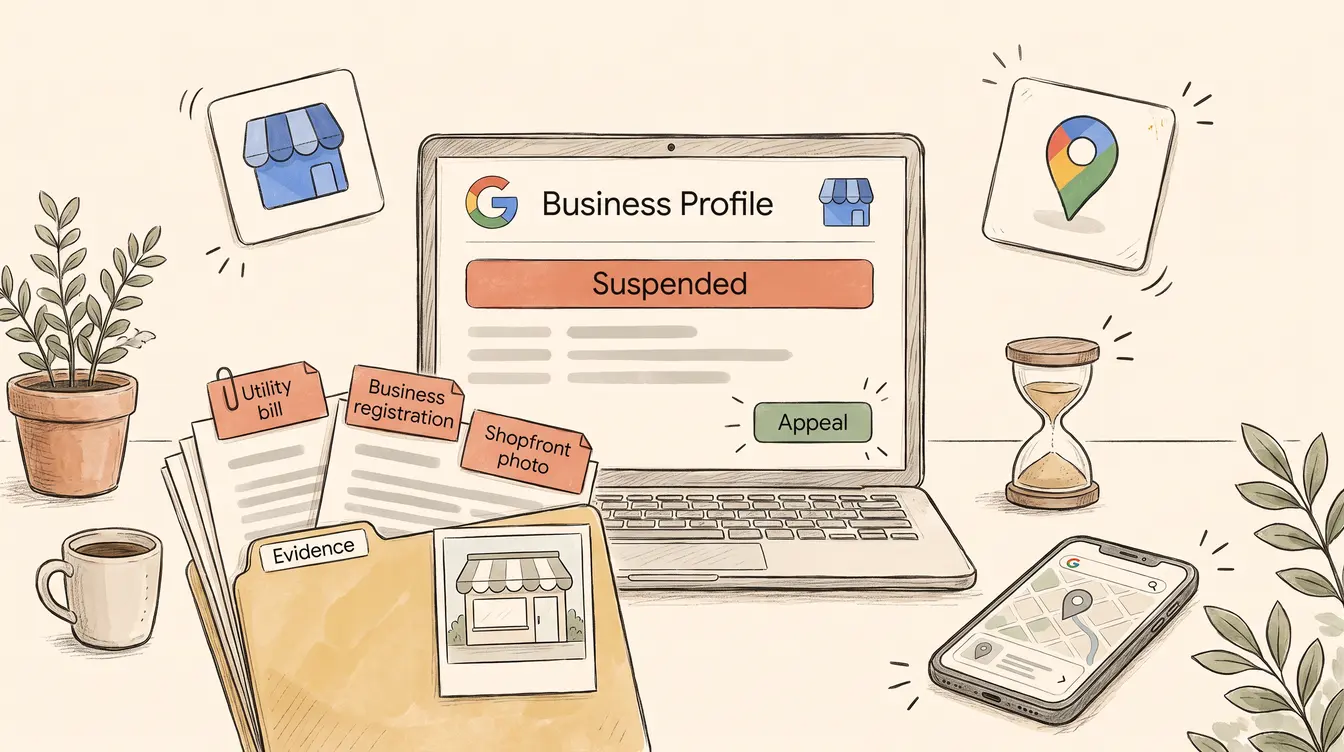
The help page lists the kind of evidence that “can help strengthen your appeal”: official business registration, a business licence, tax certificates, and utility bills for the business such as electricity, phone, water or internet. It also has a tip I’d underline twice: “check that the business name and address match the profile you want to make an appeal for.” And one practical trap: once you open the evidence form, Google says you must submit it within 60 minutes or it won’t be attached, so have the files ready before you start.
That match is the part people miss. The tip covers the name and address; I’d check the phone number and business type too, and go line by line before you upload anything:
| On the profile | What the document should show | Common mismatch |
|---|---|---|
| Business name | The same name, spelled the same way | A trading name on the profile, the company’s legal name on the bill, and nothing linking the two |
| Address | The same street address, including unit or suite | A bill going to a home address or PO box while the profile shows a shopfront |
| Phone number (my addition) | The number on the profile | An old mobile number on the documents |
| Business type (my addition) | A licence or registration that fits the category | A category that doesn’t match what you’re licensed or registered to do |
If a document doesn’t match, either fix the profile so it’s accurate, or find a document that does match. An appeal that shows a mismatch is an appeal that’s easy to deny.
Try this: make a folder today with a PDF of your business registration (an ASIC or ABN record), your licence if your trade needs one, and one recent utility bill in the business’s name. Put the profile’s name and address at the top of a note in the same folder, and tick each document off against it.
The appeal, step by step
1. Read the reason - 5 minutes
Open the appeals tool signed in to the Google Account associated with the profile, and write down both the reason it gives and the policy it links to. Only a manager? Google says managers can ask for reinstatement too.
Done when: you can say, in one sentence, which rule Google says you broke.
Stop if: the notice is about your Google Account, not the profile. Appeal the account first (see below).
2. Fix the problem first - 10 to 30 minutes
If you can still edit the profile, change whatever doesn’t follow the guidelines: the name, the address, a duplicate profile. Then stop editing. If you can’t, fix what sits outside the profile first (your signage, your website, where you actually trade from), then use the appeal form’s space for extra context to say what was wrong and what you’ve changed.
Stop if: you don’t think anything is wrong. Read the linked policy again slowly, with the profile open beside it, before you appeal.
3. Build the evidence pack - 20 minutes
Gather the documents from the table above and check each one against the profile’s name and address.
Done when: every document matches the profile exactly.
Stop if: no document shows the profile’s address. That can mean the address itself isn’t eligible (a virtual office, say), so fix that first.
4. Submit once - 10 minutes
Submit the appeal in the tool with the evidence attached, and keep a note of the date.
Done when: you’ve submitted it. Then leave the profile alone.
What not to do while it’s under review
Four things make this harder while you wait.
- Don’t create a new profile. Google’s help page says it plainly: “Do not create a new Business Profile for the same business while your appeal is under review.” A second profile for the same business is itself against the guidelines.
- Don’t keep editing, and don’t appeal twice. Fix the problem once, before you appeal, then leave it. Google asks you not to submit multiple appeals for the same issue before you get a decision, and its help-community guide lists repeated edits in a short period as something that can trigger a suspension in the first place.
- Don’t appeal the profile if the account is the problem. If your Google Account itself is restricted, Google says the profiles it manages are suspended too, and the account has to be reinstated first. Appeal the account first, on your Google Account’s My accounts page, then the profile.
- Don’t pay for “instant” anything. Google says it will never try to convince you to pay to have your Business Profile reinstated. Anyone who calls claiming to be from Google and offering to fix it for a fee isn’t Google.
What if the appeal is denied?
It isn’t the end. Once a reinstatement request is denied, Google says it “may be able to do an additional review”, and you can add evidence you didn’t include the first time. So the question after a denial is what you can show that you didn’t show before: a document that matches the address better, a licence.
Keep an eye on the status in the appeals tool. Google’s help-community guide says some suspensions don’t allow appeals, and if you see that status, you can’t take it further. Even then, a new profile isn’t the answer, because it’s the same business.
This is also the point where I’d get someone to look at why it failed, before you use up the additional review. When an appeal is denied, the first two things I’d check are whether the evidence still doesn’t match the profile, and whether the underlying problem was really fixed.
Should you pay a reinstatement service?
Some businesses will, and sometimes it’s reasonable. But it helps to know what you’re buying.
The two Australian reinstatement pages I found in September 2026 (which look like the same operator) advertised a fixed fee of about $500 to $550 including GST, paid upfront and refunded if the profile isn’t reinstated, and one charged more once an appeal had been denied. What that fee buys is mostly what’s in this article: reading the policy, fixing the profile, assembling documents that match, and filing the appeal, plus whatever experience they bring. That experience is worth something when a case is messy. The paperwork itself isn’t something you need to pay for, and Google says it will never try to get you to pay to have a profile reinstated.
| Situation | Doing it yourself makes sense | Paying someone might make sense |
|---|---|---|
| First suspension, reason is clear (a stuffed name, a duplicate) | Yes. Fix it, gather the documents, appeal | Rarely |
| You can’t work out what the reason means | Try reading the linked policy against your profile first | If you’ve tried and still can’t see it |
| The appeal has been denied and you’ve no new evidence | Stop and work out why it failed | Yes, as a second opinion on why, before the additional review |
| The whole account is restricted, with several profiles in it | Hard to do well on your own | Yes, this is the case I’d pay for |
If it comes back: why was it fragile?
Getting reinstated fixes the symptom. It doesn’t tell you why the profile was easy to suspend in the first place: a name that drifted from your signage, an address Google couldn’t verify, categories that didn’t fit, a profile that lives in a former employee’s Google account.
Once it’s back, that’s worth a calmer look. It’s what the Findability & Local Presence part of my Digital Health Check covers, and it’s a much nicer conversation to have after the fact than during it. If local search is a big part of how you get work, my local SEO guide for Melbourne businesses covers the rest of the picture.
Tools & Resources
Free tools
- Business Profile appeals tool - shows the reason, the policy, and where you submit evidence
- Fix suspended or disabled profiles - Google’s own help page for this situation
- Guidelines for representing your business on Google - the rules whose breach gets profiles suspended
- Help protect your Google Business Profile - Google’s scam warning, including that it never asks you to pay to have a profile reinstated
- Suspended/disabled profiles troubleshooting guide - Google’s help-community guide, with a document checklist (community content, not official policy)
- ABN Lookup - to save a copy of your ABN record for the evidence pack
Checklists & templates
- The evidence-pack table - name, address, phone and business type, matched document by document
- The appeal, step by step - reason → fix → evidence → submit once
- The four don’ts - pin these somewhere while you wait
Further reading
- Why your business isn’t showing up on Google - the six causes, if you’re not sure it’s a suspension
Look, a suspended profile feels like Google has decided you don’t exist. Mostly it’s a form asking you to prove you do. And once it’s sorted, keep that documents folder somewhere you’ll find it next year.