

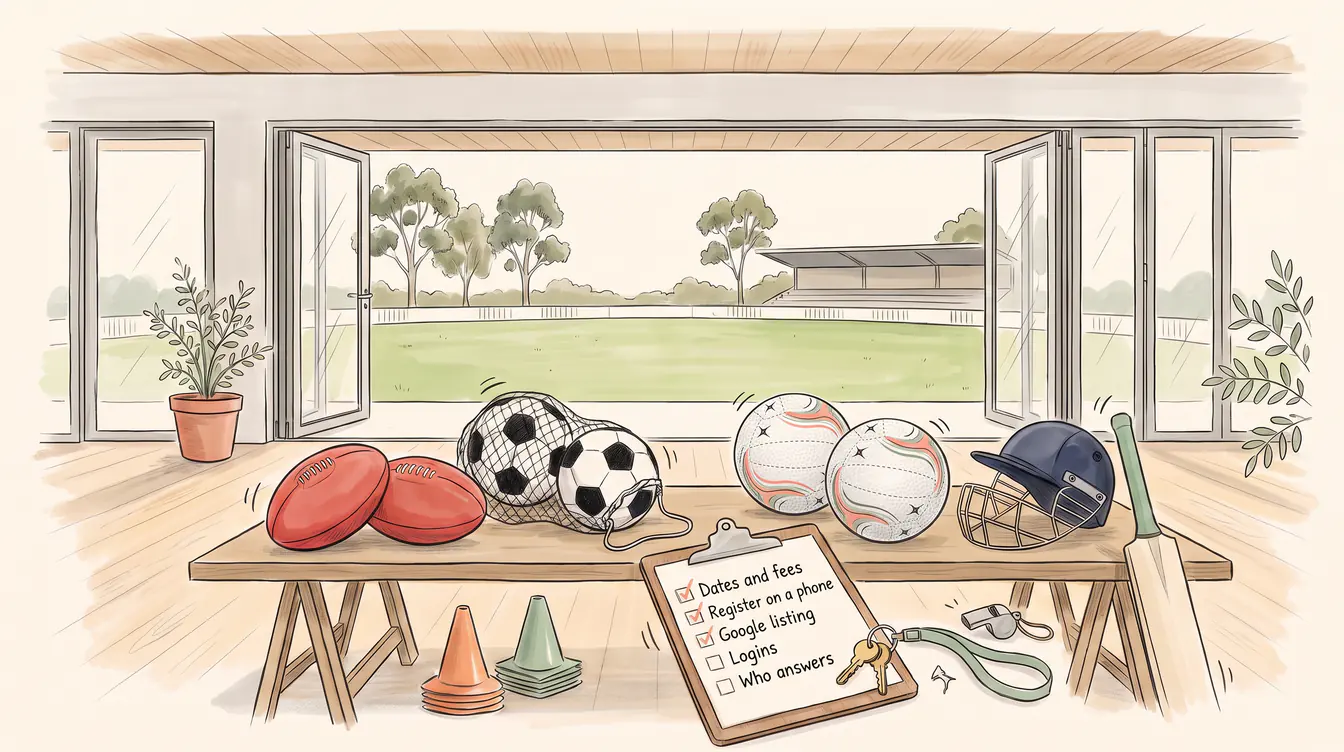
TL;DR: Many registration-week problems are small and findable ahead of time: a fees page from last season, a link that breaks on a phone, a login only last year’s secretary had. Starting six weeks out, list who holds every login, walk the path a new family would take from search to confirmation, check the club’s Google listing and agree who answers which questions.
Registration week at a community club tends to land on one or two people. The secretary’s inbox fills with the same few questions, someone finds out the registration link still points to last season, and the person who knows the website password is on holiday. None of it is anybody’s fault. It’s just what happens when a volunteer committee changes over every year or two and the digital side of the club lives in a few people’s heads.
This is the check I’d run with a committee before registrations open. It makes the season easier for the volunteers and the families: fewer repeat emails and fewer “who has the login?” moments.
When should a sports club start checking?
Start about six weeks before registrations open. That’s long enough to chase a lost login or wait for the committee to confirm fees, and short enough that people still remember to do it.
- Six weeks out, list every account the club uses and who can get into each one (the login table below). Lost logins take the longest to fix, so they go first.
- Three weeks out, update the public information (dates, fees, age groups, contacts), then walk the registration path on a phone as a new family would, and check the club’s Google listing.
- One week out, agree who answers which questions, make one last test registration and then stop changing things.
If registrations open in late January after the summer break, six weeks out lands in mid-December, which is also when half the committee is about to disappear for Christmas. I’d start before the end-of-year function rather than after it.
Can a new family find the dates, fees and age groups?
This is the first thing to check, because it’s what most people come looking for. Pretend you’ve just moved to the area and your kid wants to play. Search for the club’s name and your sport on your phone. Then see how long it takes to find four things: when registrations open, what it costs, which age groups or grades you run and who to contact.
If any of those takes more than a minute or so, or you find two pages that disagree, that’s the fix. The usual culprits are a news post from last season that still ranks above the current one, a fees PDF with the old year in it, or a Facebook page with newer information than the website. Put the current details in one place, and point everything else at it.
The sports organisations page on my site lists situations clubs run into, and “the same questions landing in the secretary’s inbox” is one of them. A page that answers fixtures, fees, training times and where to park once is less admin, not more.
Does club registration work on a phone, start to finish?
Plenty of families will register on a phone. So test the whole path on one, starting with a Google search and ending at the confirmation, and use a phone that isn’t logged in to any club accounts. You want to see what a stranger sees, not what the club’s admin sees.
When I do a Digital Health Check (my review of how a business’s website and Google presence are working), one of the questions I ask about any website is whether the paths to get in touch actually work, and work on a phone. For a club, registration is that path. I’d look for a few specific breaks:
- A registration link on the website that goes to last season’s form or a page that no longer exists.
- A form that asks for a code, a season name or a grade label that the website never mentions.
- Payment steps that time out or bounce back to the start on a small screen.
- A confirmation that never arrives, or arrives in a spam folder.
Try this: Ask a friend who isn’t involved with the club to register a pretend player on their phone while you watch, without helping. Note every spot where they pause or ask you a question. Then cancel the test registration, or ask your sport’s platform how to remove it.
If your club registers through your sport’s own platform, much of the form is out of your hands. You can still control the link to it and whatever the club sends afterwards.
What happens after someone pays?
Registration doesn’t finish at the payment screen. A new family wants to know what happens next: when training starts, where, what to bring and who to ask. If that information only arrives once a coach is appointed, the gap fills with emails to the secretary.
Look at what your platform sends automatically, and what the club sends on top of it. Then fill the gap with one short welcome message. Make it one the club can reuse every season, covering first training date or when it’ll be announced, the ground and where to park, uniform and gear, and the contact for each kind of question. Write it once and save it somewhere the next secretary can find it, not in one person’s sent folder.
The same goes for anyone who starts registering and stops. If your platform lets you see incomplete registrations, someone on the committee should look at that list once a week during the registration window.
Is the club’s Google listing up to date?
If your club has a Google Business Profile (the listing that shows on Google Maps and in search results, with your hours, address and phone number), check it now. People searching for the club may see that listing before they reach your website, so the hours and contact details on it need to match the ones on your site.
Two things catch clubs out over summer. One is the break between seasons, when the clubrooms or canteen are closed. The other is public holidays. Google’s help page on special hours says you can set them for holidays and special events, and for closures “for up to six days in a row”. If you’re shut for seven days or more, Google says to mark the business as temporarily closed instead. It also suggests confirming your hours for official holidays even when they’re the same as usual, so people can trust them.
Try this: Search for your club on Google Maps on your phone and read the listing as a stranger would. Check the hours, the phone number, the website link and the pin on the map. If any of them is wrong and you can’t edit the listing, that’s a login problem, and the next section covers it.
If people can’t find your club on Google at all, that’s a separate problem, and my guide to why a business isn’t showing up on Google walks through the usual causes. Not every club needs a listing, either. If your ground is shared or nobody staffs it, a clear website may be enough.
Who holds the logins, and what happens when they step down?
This is the check that saves the most grief, and the one committees put off longest. Every club has a few accounts that keep things running: the website, the domain name (your web address, which has to be renewed), the club email, the registration platform, the Google listing, the social media pages and maybe a newsletter tool. Make a list, and next to each one write who can get in.
| Account | Who can get in now | Second person with access | Renewal date or bill |
|---|---|---|---|
| Website (where you edit pages) | |||
| Domain name | |||
| Club email (secretary@, registrar@) | |||
| Registration platform admin | |||
| Google Business Profile | |||
| Facebook and Instagram pages | |||
| Newsletter or SMS tool |
The aim is simple: every row has at least two names, and none of them relies on someone sharing their personal password. The column that tends to surprise people is the domain. If the web address is registered in a former member’s name and their card lapses, the club’s website and email can stop with it. My post on who owns your website goes into what to check there.
Google’s listing is a good example of doing it properly. Google’s help page on owners and managers says a profile can have several owners but only one primary owner (the main account holder). Managers, it says, can do most things except add or remove people or remove the profile. It also says each person needs their own Google Account so nobody has to share a password. So the president and the secretary can both be owners, and the canteen coordinator can be a manager who updates the hours. One catch: Google makes new owners and managers wait seven days before they can do some things, including transferring primary ownership, and that’s why the handover can’t wait for the night of the AGM.
Try this: At the next committee meeting, put the login table on the screen and fill in the “who can get in now” column together. Anything with one name, or no name, goes on the to-do list for this week.
What shouldn’t end up in a screenshot or an AI tool?
Registration season means a lot of member details moving around: names, birth dates, parents’ phone numbers, medical notes, sometimes photos. Most of it sits in the registration platform. The risk is in the copies that leak out of it. Think of a screenshot of the member list sent to a group chat, a spreadsheet in someone’s personal inbox, or a set of details pasted into a chatbot to help write an email.
That last one has an official answer. The OAIC, Australia’s privacy regulator, publishes guidance on using commercially available AI products, and it says the OAIC “recommends that organisations do not enter personal information, and particularly sensitive information, into publicly available generative AI tools”. Using AI to tidy the wording of a welcome email is one thing. Pasting in the under-12s list is another.
I’d go no further than that in a website checklist. Child-safety and privacy obligations for clubs are their own subject, and your sport’s state body is the place to start. Play by the Rules, a partnership that includes sporting organisations and government agencies, has resources for clubs, including a course on handling complaints in community sport.
Who answers which questions?
Registration week gets easier when everyone knows which questions are theirs. Without that, everything lands with whoever’s name is on the website, usually the secretary, and the rest of the committee only hears about the problems once they’ve grown.
Write a short list: fees and payment problems go to the treasurer or registrar, grading questions go to the coaching coordinator, ground and parking questions go to whoever manages the venue, and everything else goes to the secretary. Then make the website match it. Role-based email addresses such as registrar@ and secretary@ help here, because they stay with the club when the person changes. If your club email is a pile of personal Gmail addresses, that’s worth fixing before the season rather than during it.
It also helps to agree on a reply time. I’m not suggesting a service promise, just something like “we’ll reply within two days during registration week”, so families aren’t left guessing and volunteers aren’t checking their phones at midnight.
What should you leave alone in the last week?
The week before registrations open is the wrong time for big changes. I’d leave these alone:
- A new website or a new registration platform. If it’s needed, plan it for after the season starts.
- Changes to the web address or the club email. Both have a habit of breaking things you didn’t know were connected.
- New fees or grades that the committee hasn’t confirmed. A wrong number on the website causes more emails than a “fees coming soon” line.
What’s fine in the last week: fixing typos, swapping a dead link for a working one, adding the welcome message and running one more test registration on a phone. Small, reversible changes only.
When is it worth getting outside help?
I can’t promise more members, and nobody honest can. Most of this checklist is volunteer work, and a committee can do all of it in an hour or two plus a meeting. You don’t need to pay anyone to update a fees page or fill in a login table.
Outside help starts to make sense when the walk-through turns up something the committee can’t fix. Nobody can get into the website, the domain is in a stranger’s name, or the site is so old that changing a date takes a developer. It also makes sense when the same problems come back every season and nobody has time to work out why. That’s the kind of thing my Digital Health Check is for: a plain-English read on what’s working and what to fix first, so the committee can decide what to do with its own time and money.
Tools & Resources
Free tools
- Game Plan (Australian Sports Commission): a free online platform for clubs to assess how they run. The ASC says over 7,000 Australian clubs across 78 sports use it and that each module takes 5 to 10 minutes. Its assessment covers areas including technology and digital, and marketing and communications.
Checklists & templates
- The login table: copy it into a shared document and fill it in at your next committee meeting.
- The six-week plan: what to check six weeks, three weeks and one week before registrations open.
Further reading
- Set special hours (Google Business Profile Help): holiday and short-closure hours for your Google listing.
- Manage owners and managers (Google Business Profile Help): how to give a second committee member access without sharing a password.
- Guidance on privacy and commercially available AI products (OAIC): the official line on putting personal information into AI tools.
- Play by the Rules: resources for community clubs, including complaints handling.
- Who owns your website?: what to check about the domain and the logins.